Save Business Cards to Phone Contacts
Business Card Scanner to Contacts turns paper business cards into real contacts in your Android address book. Take a photo of the card, let the app extract the details, and save the person where you already use contacts: your phone.
- Saves to phone contacts
- No manual typing
- No app-only contact vault
- No account required
- No subscription
How to Save a Business Card to Phone Contacts
The old way is slow: read the card, type the name, type the number, type the email, check for mistakes, and hope you do not lose the card first. Business Card Scanner to Contacts replaces that with a simpler workflow.
Take a photo of the card
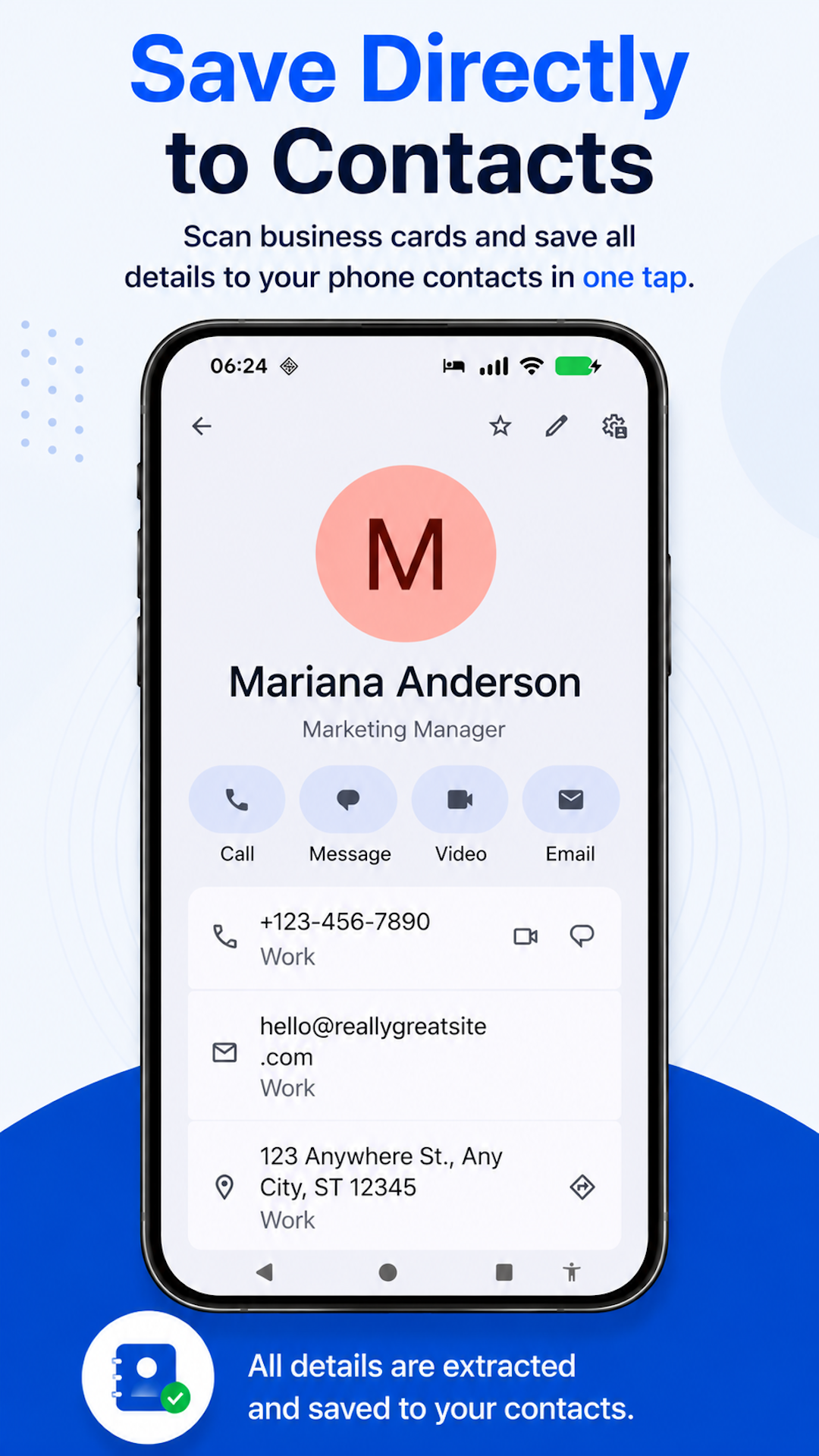
Contact details are extracted
The person is saved to your phone contacts
Edit or add a profile photo afterward if needed
Real Contacts, Not App-Only Records
A scanned business card is only useful if you can actually use the contact afterward. Business Card Scanner to Contacts saves people to your Android address book instead of trapping them inside a separate app. Through normal Android device sync, those contacts can also appear in Google Contacts.
- •Call or text from your phone
- •Search in your normal contacts
- •Use with email and calendar apps
- •Sync through your existing Android contact settings
- •Avoid exporting contacts later
What Details Can Be Saved to Phone Contacts?
- Name
- Company
- Job title
- Phone numbers
- Email addresses
- Websites
- Street addresses
After the contact is saved, you can edit details or add a profile photo.
What Is the Easiest Way to Save a Business Card to Phone Contacts?
The easiest way to save a business card to phone contacts is to use an Android business card scanner that turns the card into a real contact. Business Card Scanner to Contacts lets you take a photo of a business card, extracts the details, and saves the person to your Android address book without manual typing.
Built for Quick Follow-Up
Saving a card to your actual phone contacts makes follow-up easier. You can call, text, email, or search the person later without opening a separate scanner app.
- After a meeting
- At a conference booth
- After a real estate showing
- During a recruiting event
- After a local business introduction
- At a meetup or networking event
Related Business Card Scanner Guides
Frequently Asked Questions
- Can I save a business card to my phone contacts?
- Yes. Business Card Scanner to Contacts lets you take a photo of a business card and save the person to your Android phone contacts.
- Does it save contacts inside a separate app?
- No. The app is designed to save contacts to your Android address book, not a separate contact vault.
- Can the contact appear in Google Contacts?
- If your Android contacts sync with Google Contacts, saved contacts can appear there through your normal sync settings.
- Can I edit the contact later?
- Yes. After the contact is saved, you can edit details or add a profile photo.
- Do I need an account?
- No. Business Card Scanner to Contacts does not require an account.
- Is there a subscription?
- No. Business Card Scanner to Contacts does not require a subscription.
Turn the Next Card Into a Phone Contact
Take a photo of the business card and save the person to your Android contacts — no manual typing, account, subscription, or export process.
Built for Android. No account required. No subscription.
Back to Business Card Scanner to Contacts.