Business Card Scanner With No CRM
Business Card Scanner to Contacts is for people who want business cards saved to their phone contacts — not pushed into a CRM, pipeline, lead database, or export workflow.
- No CRM setup
- No pipeline workflow
- No lead database
- Saves to Android contacts
- No account or subscription
A Business Card Scanner Without CRM Overhead
CRM tools are useful when you manage teams, pipelines, lead ownership, and reporting. But not every business card needs to become a CRM record. Sometimes you just want the person in your phone so you can call, text, email, or remember who you met — with no account required and no subscription.
Business Card Scanner to Contacts is built for that simpler job.
Scan the Card. Save the Contact. Skip the Pipeline.
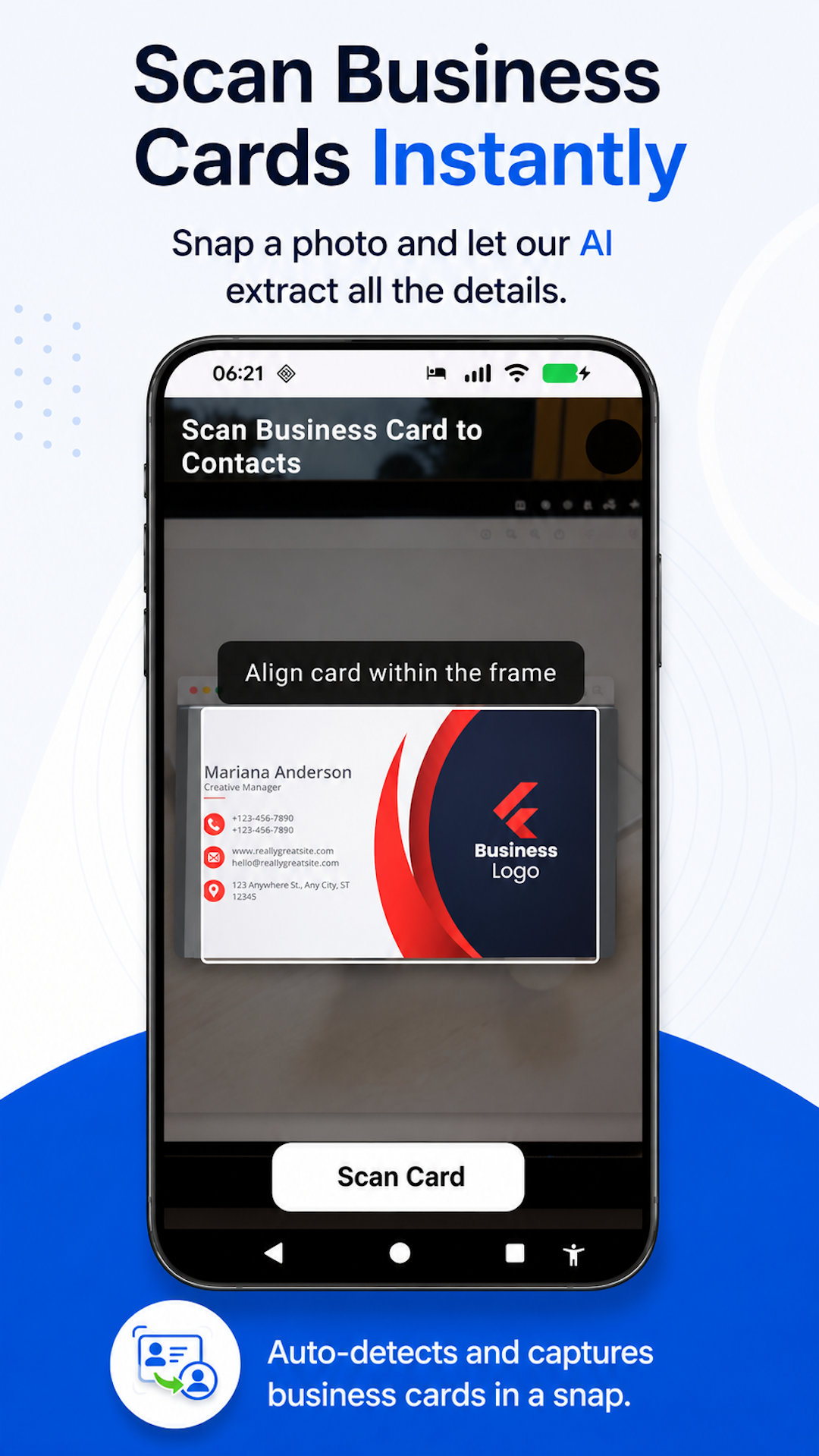
Take a photo
Capture the business card with your Android phone.
Details are extracted
The app reads common contact details from the card.
Contact is saved
The person is saved to your Android address book where you already use contacts.
CRM Scanner vs Business Card Scanner to Contacts
- Built around sales pipelines
- May require account setup
- Often stores contacts in a lead database
- May require exports or CRM sync
- More useful for teams
- Built around phone contacts
- No CRM required
- No account required
- No subscription
- Better for quick individual follow-up
What Is the Best Business Card Scanner Without a CRM?
The best business card scanner without a CRM is one that saves people as real contacts instead of forcing them into a pipeline or separate lead database. Business Card Scanner to Contacts lets Android users take a photo of a business card and save the person to their phone contacts without CRM setup.
Who Needs a No-CRM Card Scanner?
- Solo founders
- Consultants
- Freelancers
- Real estate agents
- Recruiters
- Salespeople who do not need a CRM for every card
- Conference attendees
- Small business owners
Contacts Stay Where You Use Them
Instead of maintaining a separate business card database, saved contacts live in your Android address book. Depending on your device settings, they can also appear in Google Contacts through normal Android sync.
- Call or text from your phone
- Use with email and calendar apps
- Search in your existing contacts
- Edit after scanning
- Add a profile photo if needed
Related Business Card Scanner Guides
Frequently Asked Questions
- Is Business Card Scanner to Contacts a CRM?
- No. Business Card Scanner to Contacts is not a CRM. It is built to scan business cards and save people as real phone contacts.
- Do I need to set up a sales pipeline?
- No. There is no pipeline setup. The app is for saving contacts, not managing sales stages.
- Does it save contacts to a lead database?
- No. It saves contacts to your Android address book instead of a separate lead database.
- Do I need an account?
- No. Business Card Scanner to Contacts does not require an account.
- Is there a subscription?
- No. Business Card Scanner to Contacts does not require a subscription.
- Can saved contacts appear in Google Contacts?
- If your Android contacts sync with Google Contacts, saved contacts can appear there through your normal Android sync settings.
Save Business Cards Without CRM Overhead
Take a photo of a paper business card and save the person to your Android contacts — no CRM, account, subscription, contact vault, or export workflow.
Built for Android. No account required. No subscription.
Back to Business Card Scanner to Contacts.