Business Card Scanner With No Account Required
Business Card Scanner to Contacts lets you take a photo of a paper business card and save the person as a real phone contact without creating an account, signing in, or managing another contact system.
- No account required
- No login flow
- No separate contact vault
- Saves to Android contacts
- Edit saved contacts anytime
Scan Business Cards Without Signing Up
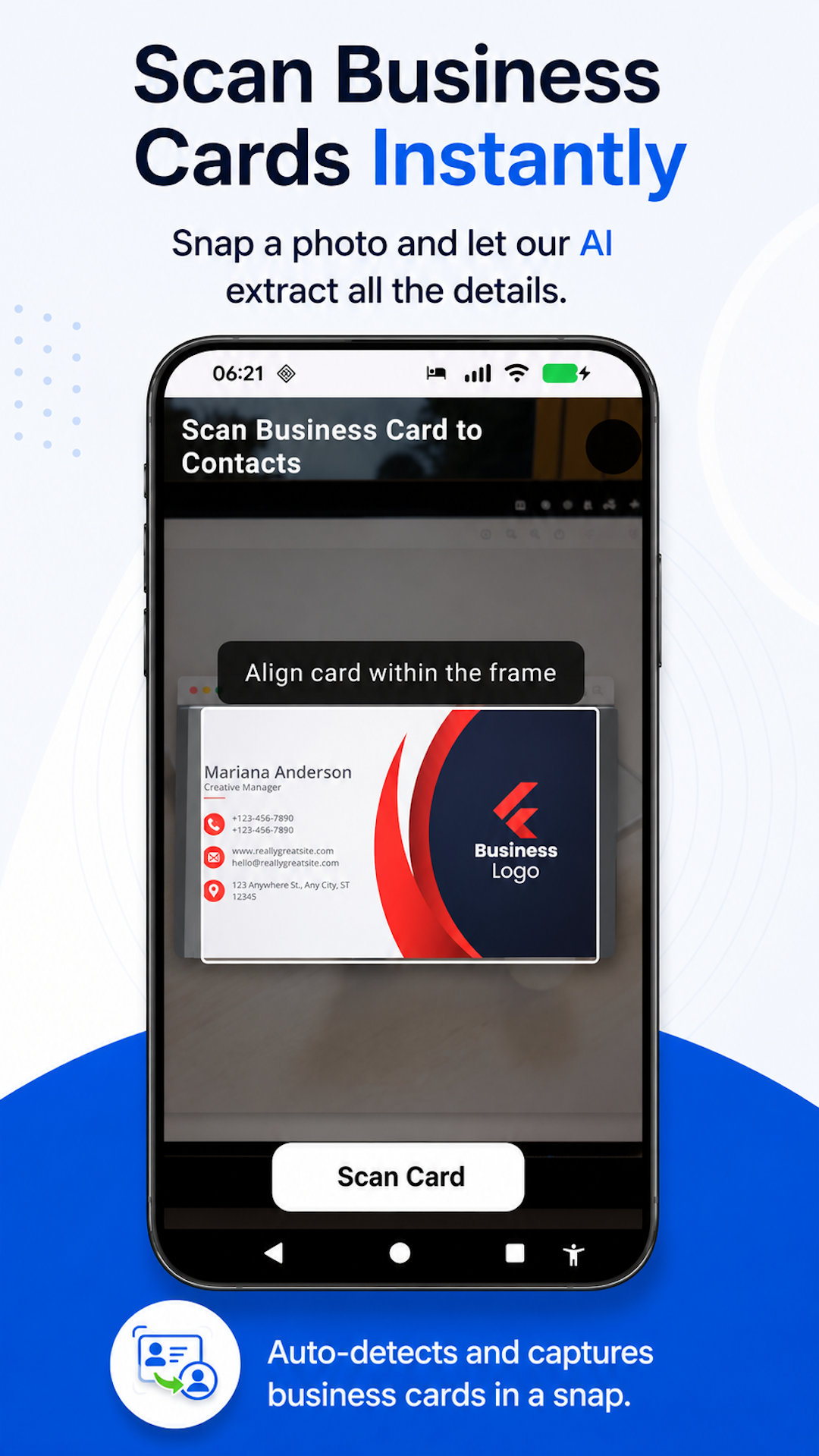
Some business card scanner apps make you create an account before you can do the basic job: saving someone’s contact details. Business Card Scanner to Contacts keeps the workflow direct. Open the app, take a photo of the card, and save the contact to your Android address book.
Why No Account Matters
If all you want is to turn a paper card into a contact, an account can be unnecessary friction. Business Card Scanner to Contacts is built for fast, practical scanning during real networking moments.
- Faster first use
- Less setup before scanning
- No new contact system to manage
- Better fit for occasional networking
- Useful when you just want the contact in your phone
From Business Card to Phone Contact
Take a photo
Capture the business card with your Android phone.
Details are extracted
The app reads common details from the card.
Contact is saved
The person is saved to your Android contacts, where the contact can work with your phone, messages, email, and calendar apps.
What Is the Best Business Card Scanner With No Account?
The best business card scanner with no account is one that lets you scan a card and save the contact without forcing signup, login, CRM setup, or export steps. Business Card Scanner to Contacts is built around that simple workflow: take a photo, extract the details, and save the person to your phone contacts.
Still Saves Real Contacts
No account does not mean temporary or app-only contacts. Business Card Scanner to Contacts saves people to your Android address book so they are available where you already use contacts — and through normal device sync, they can appear in Google Contacts too.
- Phone
- Messages
- Calendar
- Android contact search
- Google Contacts (through sync)
Related Business Card Scanner Guides
Frequently Asked Questions
- Does Business Card Scanner to Contacts require an account?
- No. Business Card Scanner to Contacts does not require an account.
- Do I need to log in before scanning?
- No. The app is designed so you can scan business cards without a login flow.
- Where are contacts saved?
- Contacts are saved to your Android address book, where they can appear in Google Contacts through your normal sync settings.
- Is there a separate contact vault?
- No. The app does not create a separate proprietary contact vault.
- Can I edit contacts after scanning?
- Yes. After the contact is saved, you can edit details or add a profile photo.
- Is this a CRM?
- No. It is a simple business card scanner for saving real phone contacts, not a CRM.
Scan Business Cards Without Creating an Account
Take a photo of a business card and save the person to your phone contacts — no signup, subscription, contact vault, or CRM setup.
Built for Android. No account required. No subscription.
Back to Business Card Scanner to Contacts.