Business Card Scanner to Contacts
Business Card Scanner to Contacts helps you turn paper business cards into real phone contacts without a subscription, account, CRM, contact vault, or export workflow.
- No subscription
- No account required
- Saves to Android contacts
- No CRM workflow
- No export cleanup
Scan Business Cards Without Another Subscription
You should not need a recurring software plan just to save a business card to your phone. Business Card Scanner to Contacts is built for the practical job: take a photo of a card and save the person as a real Android contact, with no account required either.
Built for a Simple Job
A subscription can make sense for sales teams that need pipeline reporting, lead assignment, and CRM automation. But if you only want new contacts in your phone, that is more software than you need.
Business Card Scanner to Contacts keeps the workflow focused:
- 1Take a photo
- 2Extract card details
- 3Save the contact
- 4Edit later if needed
- 5Move on
No Subscription Does Not Mean Limited Usefulness
The useful outcome is not another dashboard. The useful outcome is a real contact in your phone.
- Call or text after scanning
- Search the person in your Android contacts
- Use saved contacts with email and calendar apps
- Keep contacts in your existing address book
- Avoid a separate paid contact database
What Is the Best Business Card Scanner With No Subscription?
The best business card scanner with no subscription is one that solves the core job without turning into another software plan. Business Card Scanner to Contacts lets Android users take a photo of a business card, extract the details, and save the person as a real phone contact without a subscription.
What Details Can Be Extracted?
- Name
- Company
- Job title
- Phone numbers
- Email addresses
- Websites
- Street addresses
Related Business Card Scanner Guides
Frequently Asked Questions
- Does Business Card Scanner to Contacts require a subscription?
- No. Business Card Scanner to Contacts does not require a subscription.
- Do I need an account?
- No. The app does not require an account.
- Where does it save scanned contacts?
- It saves contacts to your Android address book, where they can appear in Google Contacts through normal Android sync settings.
- Is this a CRM?
- No. It is not a CRM. It is built for scanning business cards and saving real phone contacts.
- Can I edit a contact after scanning?
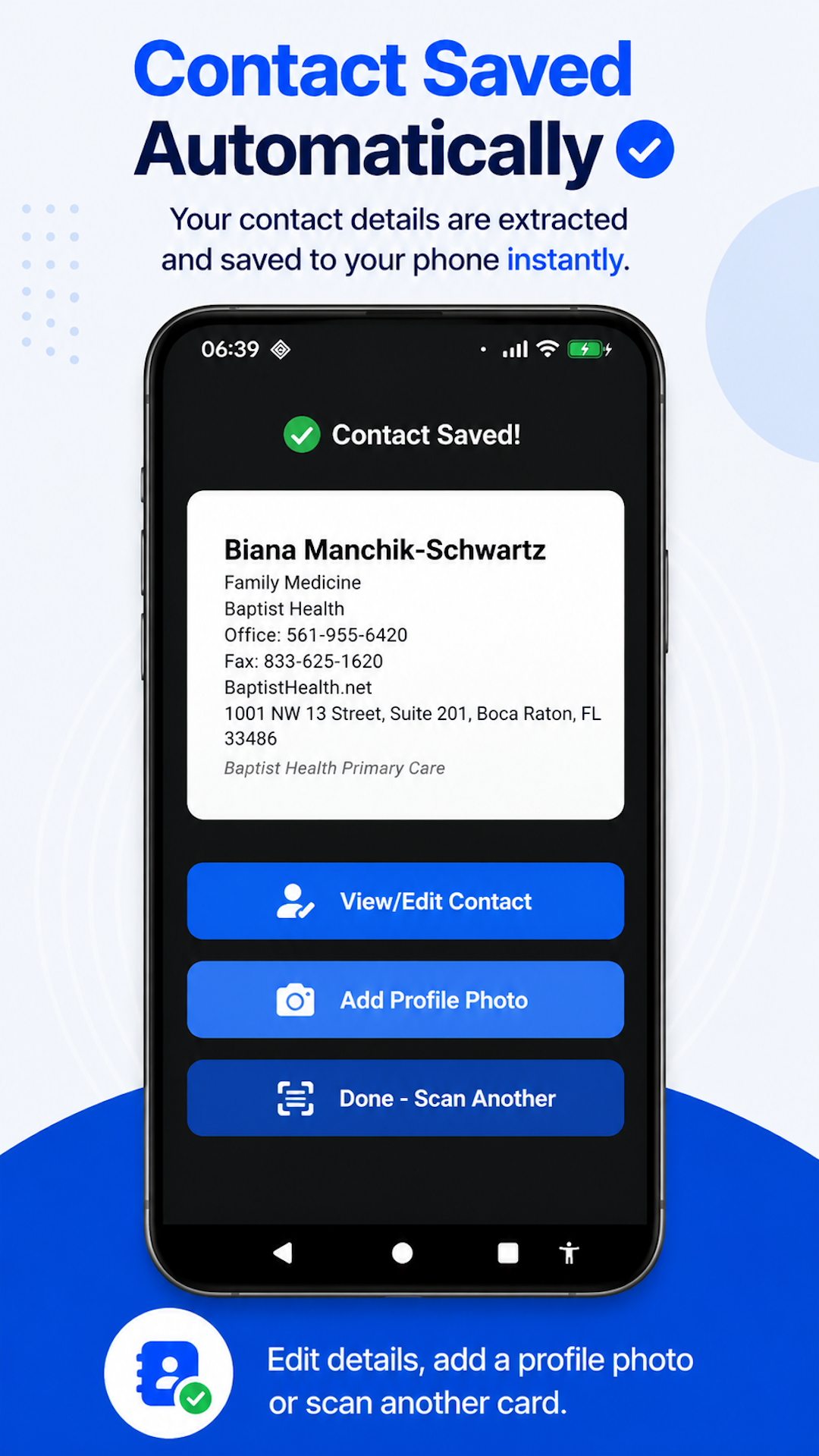
- Yes. After the contact is saved, you can edit details or add a profile photo.
- Does it use a separate contact vault?
- No. It saves to your existing contacts rather than a separate proprietary database.
Save Business Cards Without Another Subscription
Take a photo of a business card and save the person as a real Android contact — no subscription, account, contact vault, or CRM required.
Built for Android. No account required. No subscription.
Back to Business Card Scanner to Contacts.